
Elina works best when it knows your setting. This guide covers account setup and the short personalization steps that make every suggestion fit your group, your teaching style, and your day. You set it up once, and it takes only a few minutes.
Step 1: Create your account
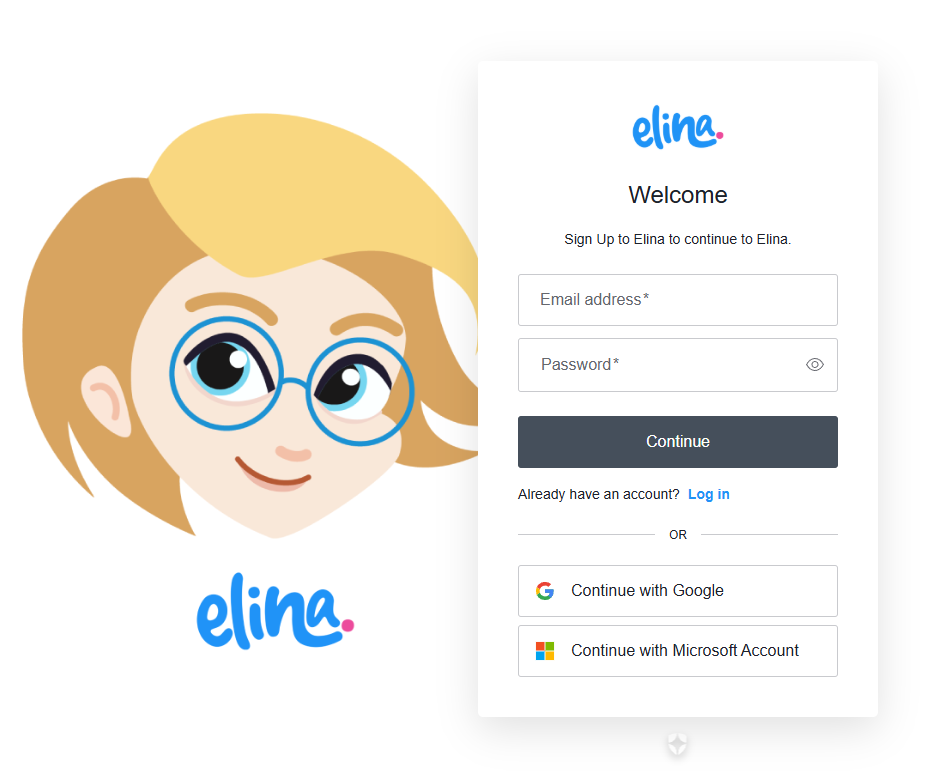
Go to app.elinaedu.com and sign up with your email and a password. You will receive a verification email. Open it and confirm your address. Once verified, you can log in. If the email does not arrive within a few minutes, check your spam folder.
Step 2: Tell Elina a bit about you
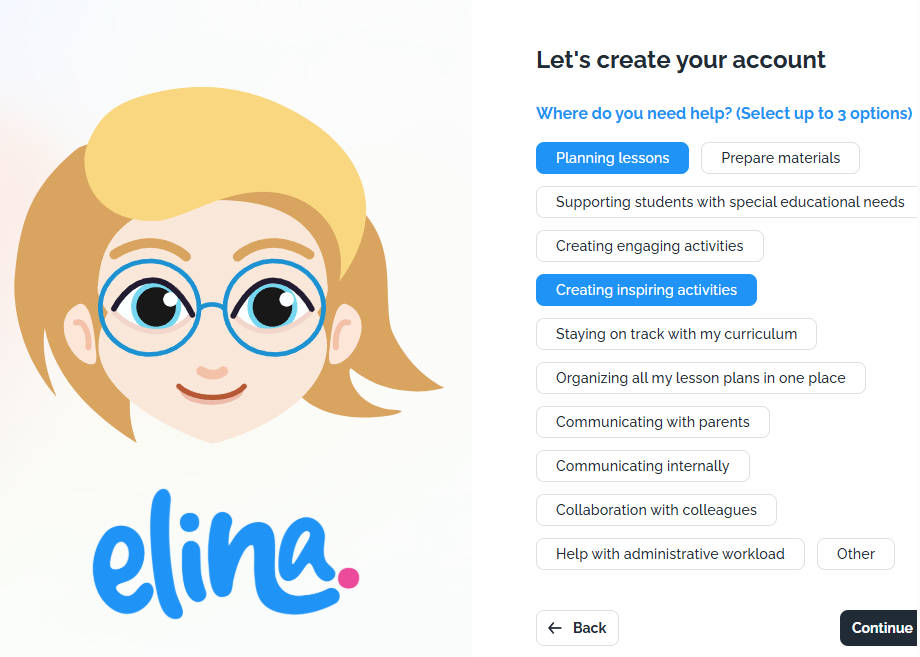
After you verify your email, Elina asks for some information about you and your preferences. This step matters. Elina uses what you share to shape its responses around your context: your role, your setting, and how you like to work. You fill this in once. From then on, you will not need to explain your background every time you ask for something. Wondering how your information is kept? See How Elina Stores Your Data.
Step 3: Set Elina up around your group
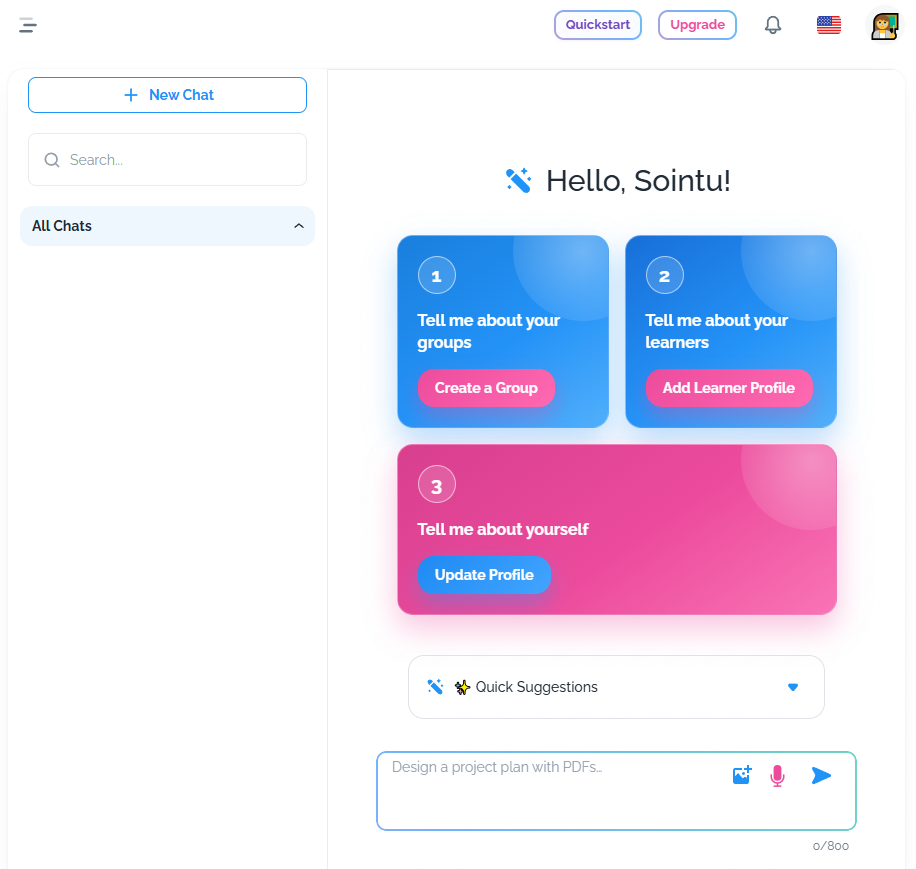
Create your learners.
- Add the children you work with as learner profiles. See Get Started with Learner Profiles.
Build a group.
- Turn those learners into a group, or create a group directly with a group summary. See Enriching Elina with Group Profiles.
Share your preferences.
- Tell Elina how you teach, for example your preferred teaching styles and approaches. Elina uses this to personalize what it gives you.
What personalization gives you
Once these steps are done, Elina knows your background. Its responses reflect your group and your way of working from the start. This is the difference from a regular AI chat. You do not re-enter the same information each time. You do not write long prompts to explain your situation before you get anything useful. Elina already has the context. You ask, and the answer fits.
Where to go next
- Create group plans and lesson plans built around your group and environment. See Creating a Group Plan.
- Make printables for your activities.
- Analyze images, for example to check accessibility in your classroom space.
- Chat with Elina for quick activities in the moment.
- For more on tailoring Elina to your classroom, see Making Elina Your Own.
Still need help?
Email us